
Website Design
Headless CMS Explained: Is It Right for Your Website?
By Kavin P · · 2 min read
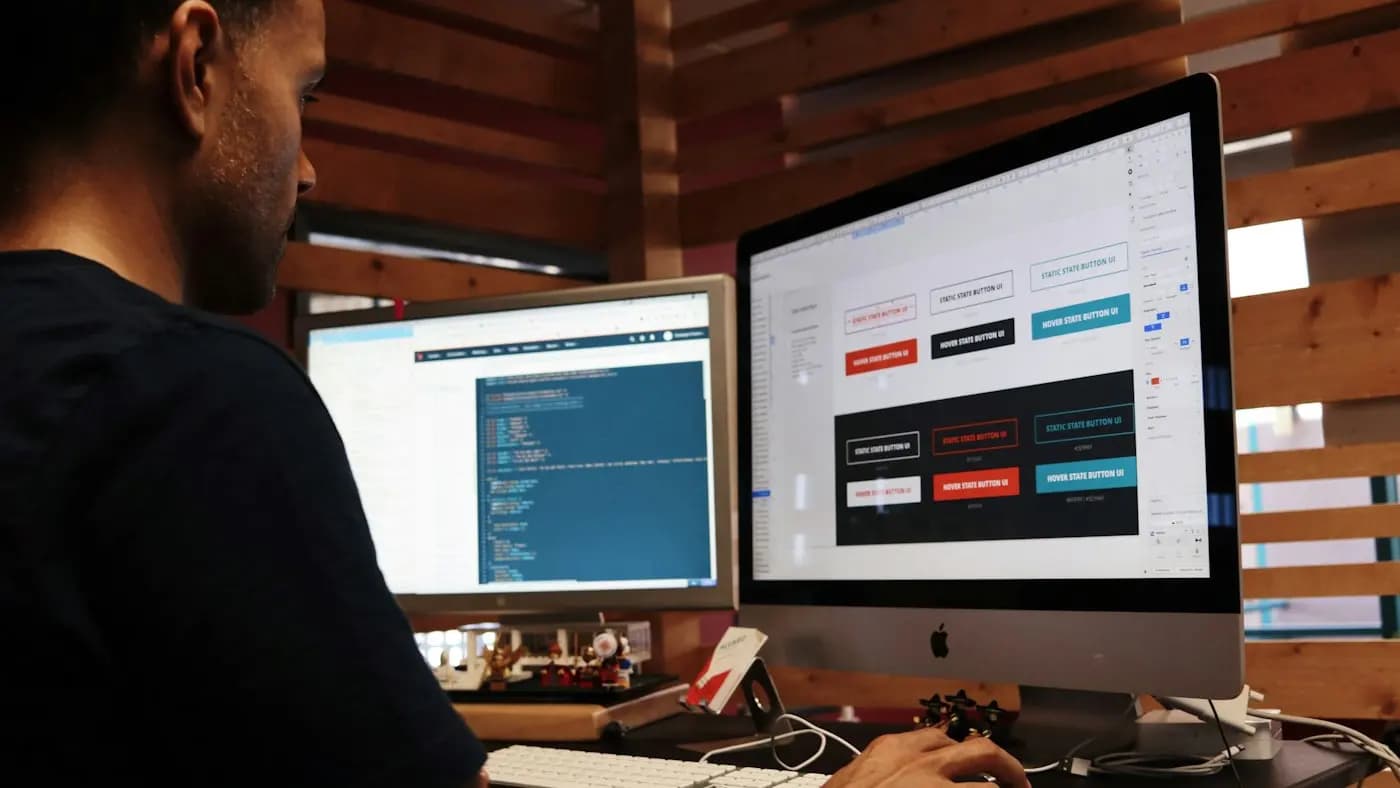
A headless CMS is a content management system that stores and manages content but does not decide how it looks. The "head" is the front-end website, and the "body" is the content backend. Separating them lets the same content appear on a website, mobile app or other channels.
Traditional vs headless
- Traditional CMS (such as standard WordPress): content, design templates and the website are tied together. You edit and publish in one place.
- Headless CMS: editors write content in a dashboard. A separate front-end, built with a framework by developers, fetches that content through an API and displays it.
How it works
- Editors create content in structured fields, such as title, summary, image and body.
- The CMS exposes that content through an API.
- A front-end site or app requests the content and renders it.
- Updates can be rebuilt or fetched automatically when content changes.
Possible benefits
- Flexibility: use the same content across a site, an app and other screens
- Front-end freedom: developers can pick modern tools and design anything
- Performance potential: well-built front-ends can load very fast
- Security separation: the public site is not directly tied to the admin system
Drawbacks
- Needs developers: you cannot simply install a theme and go live.
- Higher setup cost and time compared with a standard site
- Preview and plugin gaps: features that WordPress plugins provide, such as forms or SEO tools, may need custom work.
- More moving parts to maintain
SEO considerations
A headless site can rank well, but SEO elements must be built in on purpose: titles, meta descriptions, canonical tags, structured data, sitemaps and fast rendering. Content should be available in the page that search engines receive. Review the technical SEO audit checklist before launch.
Who should consider it
It suits larger teams with developers, multi-channel content needs or complex front-end requirements. For most small businesses, a standard CMS is faster to launch and easier to manage. Compare simpler options in Wix vs WordPress.
Hypothetical example
A media company wants the same articles on its website, mobile app and in-store screens. A headless CMS holds the content once, and each channel displays it in its own design. A local bakery with one website would gain little from the extra complexity.
Questions to ask before choosing
- Do we publish to more than one channel?
- Do we have developers to build and maintain the front-end?
- Can editors preview content easily?
- What will it cost to maintain over time?
Plan page layouts and content first using website structure for SEO.
Frequently asked questions
Is WordPress a headless CMS?
By default no, but WordPress can be used headlessly through its API.
Is headless better for SEO?
Not automatically. It can perform very well, but only if SEO basics are implemented correctly.
Will my marketing team find it harder?
Editing content can be easy, but changing layouts or adding features usually needs developer help.
Related articles

Website Design7 min read
Choosing a CMS for a Business Website: What to Compare
Choosing a CMS for a business website: compare ease of use, cost, flexibility, SEO, security, support, ecommerce and long-term fit, with a simple decision process.

Website Design7 min read
Ecommerce Website Design Tips for Higher Conversions
Ecommerce website design tips: navigation, category and product pages, search, cart and checkout, trust, mobile layout, speed and accessibility for online stores.
Website Design7 min read
Homepage Design Best Practices That Turn Visitors Into Leads
Homepage design best practices: a clear value statement, navigation, proof, calls to action, speed, mobile layout and accessibility, section by section.