
Website Design
Wix vs WordPress: Which Website Platform Fits Your Business?
By Kavin P · · 2 min read
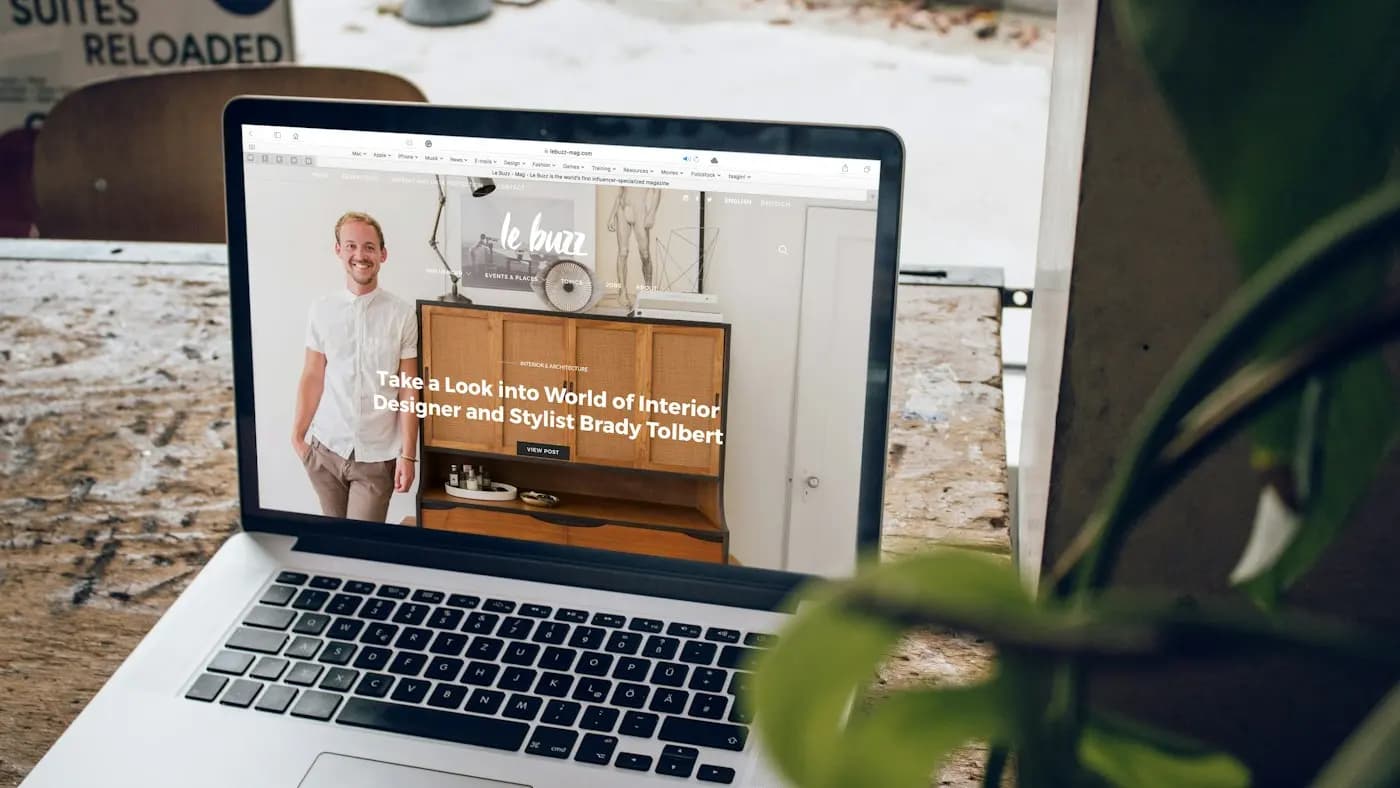
Wix vs WordPress is a common debate for small businesses, freelancers and startups. One is an all-in-one builder, the other is open-source software you host yourself. Neither is always better; they suit different situations.
How each works
- Wix is a closed, hosted builder. You drag and drop elements, and hosting is included in your plan.
- WordPress (the self-hosted WordPress.org version) is free software. You buy hosting and a domain, then choose themes and plugins.
Ease of use
Wix wins on the first day. The editor is visual, templates are ready and there is nothing to install. WordPress has a learning curve, though page builders make it easier. See WordPress page builders compared.
Flexibility and growth
WordPress offers thousands of themes and plugins, so it can grow from a simple brochure site into a blog, store, membership site or portal. Wix offers an app market too, but you are limited to what the platform allows. Switching later from Wix is harder because your design does not export neatly.
SEO
Both platforms let you edit titles, descriptions, URLs and alt text. WordPress usually gives more technical control, especially with an SEO plugin. Good content and site structure matter far more than the platform itself. Review SEO for WordPress websites if you go that route.
Cost and ownership
Wix has a predictable monthly plan. WordPress costs are split across hosting, domain, premium themes and plugins. With WordPress you own your files and can move hosts. Always check current pricing on official sites.
Maintenance
Wix handles updates and security. On WordPress you handle updates, backups and security, or pay someone to do it. This is the real hidden cost of WordPress.
Which should you choose?
- Pick Wix if you need a simple site quickly, have no technical help and expect modest changes.
- Pick WordPress if content marketing, custom features or long-term flexibility matter.
- If unsure, list the features you need over the next two years and see which platform supports them cleanly.
Hypothetical example
A yoga trainer needs a five-page site with class bookings by next week. Wix is a sensible start. A consultancy planning a large resource library and lead-generation funnels is better suited to WordPress.
If you pick WordPress, start with choosing WordPress hosting.
Frequently asked questions
Is WordPress really free?
The software is free, but you pay for hosting, a domain and often premium themes or plugins.
Can Wix sites rank on Google?
Yes. Rankings depend on content quality, structure and links more than the builder.
Is it hard to leave Wix?
You can move content manually, but the design must be rebuilt. Plan for redirects when migrating.
Related articles

Website Design7 min read
Choosing a CMS for a Business Website: What to Compare
Choosing a CMS for a business website: compare ease of use, cost, flexibility, SEO, security, support, ecommerce and long-term fit, with a simple decision process.

Website Design7 min read
Ecommerce Website Design Tips for Higher Conversions
Ecommerce website design tips: navigation, category and product pages, search, cart and checkout, trust, mobile layout, speed and accessibility for online stores.

Website Design7 min read
Homepage Design Best Practices That Turn Visitors Into Leads
Homepage design best practices: a clear value statement, navigation, proof, calls to action, speed, mobile layout and accessibility, section by section.