
Creative Design
Figma for Marketers: A Beginner's Walkthrough
By Kavin P · · 2 min read
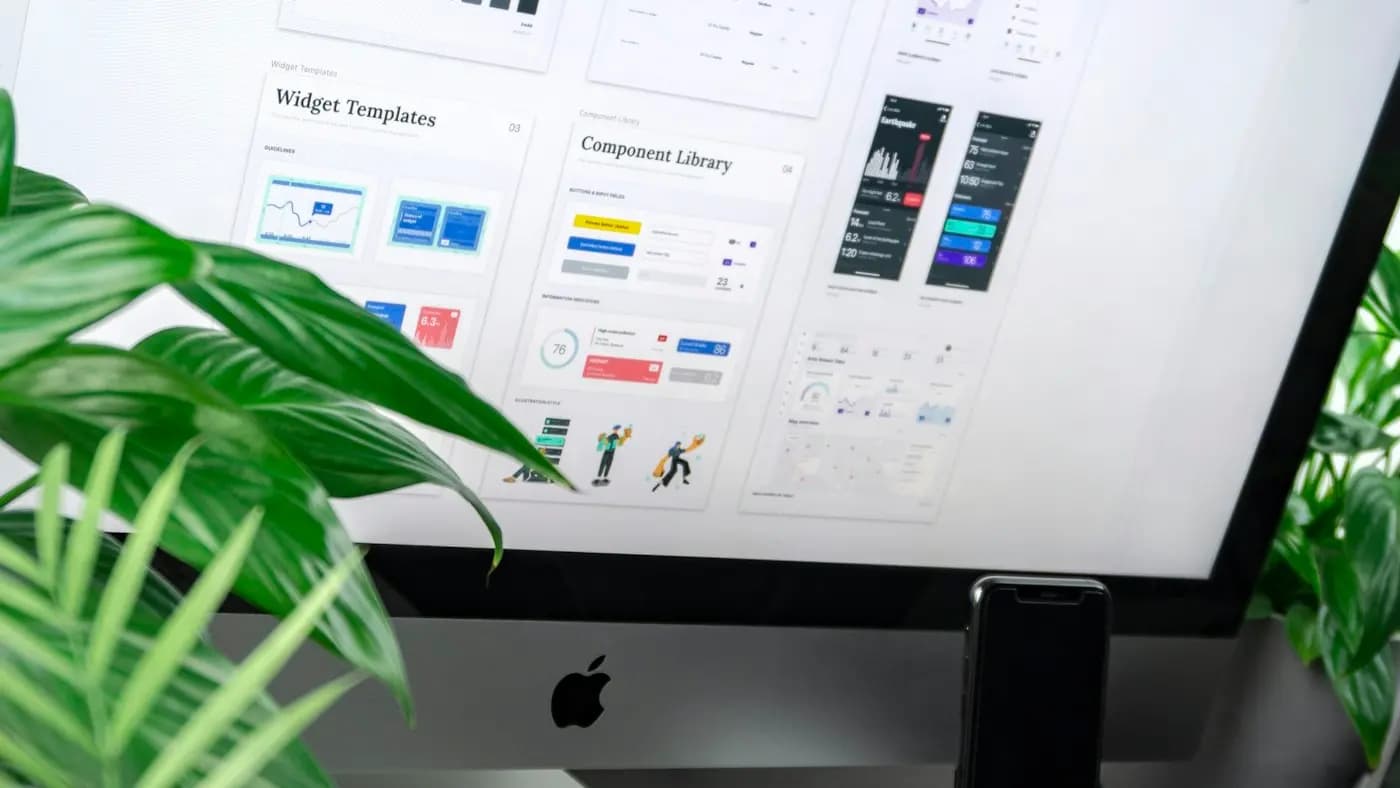
Figma is a browser-based design tool that many teams use for websites, apps and marketing assets. Marketers benefit from it because several people can view, comment and edit the same file at once, with no email attachments flying around.
What marketers can do in Figma
- Design social posts, carousels and ad creatives
- Wireframe landing pages before development
- Build a shared library of brand colours, fonts and logos
- Collect feedback through comments directly on the design
- Create presentations and simple prototypes
Key concepts in plain English
Frames. A frame is a canvas, such as a 1080 x 1350 social post or a 1440 px wide web page.
Components. A reusable element, like a button or logo block. Edit the main component and every copy updates.
Styles and variables. Saved colours, text styles and spacing values so you do not retype them.
Auto layout. A setting that makes boxes grow or shrink with their content, which is useful for buttons, cards and lists.
Pages. Use pages inside a file to separate drafts, finals and archived work.
Getting started in six steps
- Create a free account and a new design file.
- Draw a frame in the size you need using the Frame tool.
- Add text and shapes, then set your brand fonts and colours.
- Turn repeating elements into components.
- Duplicate the frame for variations, such as different offers.
- Share the file link and invite comments.
Collaboration tips
- Give the right permission: view only for stakeholders, edit for designers.
- Ask reviewers to comment on the design, not message you separately.
- Name frames clearly, for example "Diwali-offer-4x5-v2".
- Mark approved versions in a "Final" page. Our guide on giving design feedback helps structure comments.
Exporting
Select a frame, choose an export format (PNG or JPG for images, SVG for icons, PDF for documents) and set the scale. Use 2x for sharper results on high-density screens.
A hypothetical example
A marketing executive at an online jewellery store creates one Figma file with sale banners in six sizes. When the offer text changes, she edits the text in the main component and all banners update, then exports the set in minutes.
When to choose another tool
For quick social posts, Canva may be faster. For heavy photo editing, Photoshop is better. Our post on Canva vs Adobe compares options, and UI design basics for non-designers helps with layout decisions.
Frequently asked questions
Is Figma free?
It has a free plan with limits, and paid plans for larger teams. Check the current pricing on the official website.
Do I need design experience?
No. Start with simple frames and text, and learn components later.
Can developers use my Figma files?
Yes. Developers can inspect spacing, colours and assets directly from the file, which smooths the handoff.
Related articles
Creative Design7 min read
Brand Photography Guide: Plan Shoots That Build Trust
A brand photography guide for small businesses: define your style, plan a shot list, work with a photographer, use light well and manage rights and files.

Creative Design7 min read
Brochure Design Tips: Layout, Copy and Print Choices
Brochure design tips for small businesses: choose a fold, structure content, write clear copy, use images and branding well, prepare for print and track results.

Creative Design7 min read
Canva Brand Kit Setup: Keep Every Design On Brand
A step-by-step Canva brand kit setup: add logos, colours and fonts, build templates, organise folders, set team permissions and keep designs consistent.