
Creative Design
Social Media Post Design Tips That Work
By Kavin P · · 1 min read
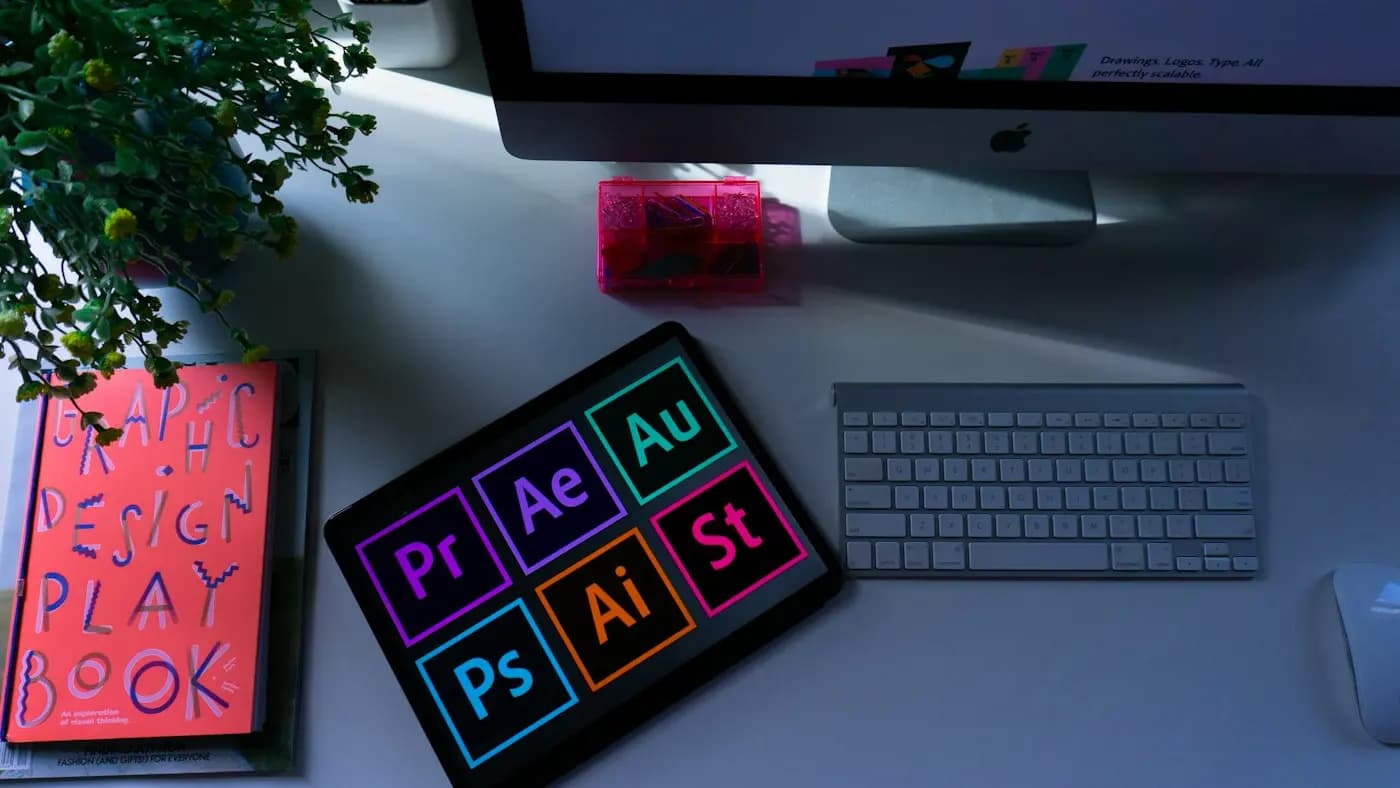
These social media post design tips help your graphics stop the scroll and communicate quickly.
One message per post
If a viewer cannot understand it in three seconds, it is too busy. Choose one headline and one action.
Build clear hierarchy
Make the main message the largest element, support it with a smaller line and place the logo and contact details last.
Use contrast
Dark text on a light background or the reverse keeps copy readable on small phone screens. Test your design at actual size.
Keep brand consistent
Reuse fonts, colours, logo placement and image style. Templates speed up work and build recognition.
Choose readable type
Limit yourself to two fonts. Avoid long paragraphs on images. Put details in the caption.
Use quality images
Pick sharp photos and clean icons. Avoid stretched or low-resolution files.
Mind the safe area
Keep key text away from the edges, especially for stories and reels, where buttons cover parts of the screen.
Export correctly
Use the right size for each platform and export a compressed file so it stays crisp.
See it in practice
Browse my social media creatives for real layouts, or contact me for a custom template set.
Frequently asked questions
What size should social media graphics be?
Sizes vary by platform and format, so check current guidelines. Square and vertical layouts are common for feeds.
How much text should a graphic have?
Keep it to a headline and a short supporting line, and put details in the caption.
Do I need a designer?
You can start with templates, but a designer helps create a consistent, professional system.
Related articles
Creative Design8 min read
Banner Ad Design Tips That Earn Attention and Clicks
Practical banner ad design tips for small businesses: structure, copy, imagery, sizes and testing, so your display ads get noticed without looking cluttered.

Creative Design8 min read
Business Card Design Tips for a Card People Actually Keep
Business card design tips for small business owners: what to include, how to lay it out, paper and finish choices, and how to prepare files for print.

Creative Design7 min read
Giving Design Feedback That Designers Can Act On
Giving design feedback is a skill. Learn how to describe problems, tie comments to goals, avoid vague notes and run a review round that ends with a better result.