
Marketing Analytics
Reading the Search Console Performance Report
By Kavin P · · 3 min read
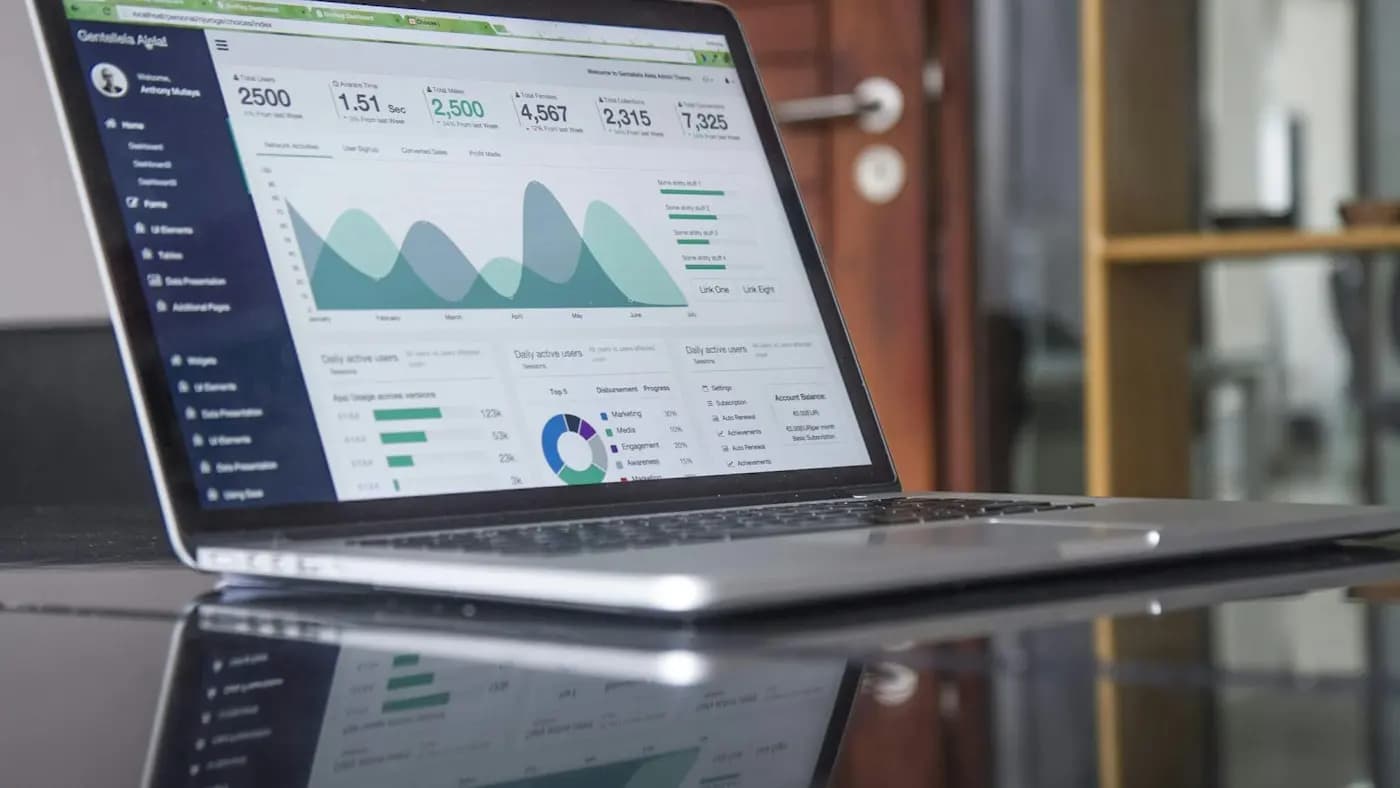
The Performance report in Google Search Console is the closest thing you have to a direct view of how people find you on Google. If you have already read our Search Console basics, this guide goes deeper into using the report for decisions.
The four metrics
- Clicks: how often people clicked through to your site from search results.
- Impressions: how often your page appeared in results, even if nobody scrolled to it.
- CTR: clicks divided by impressions.
- Average position: the typical ranking of your result, averaged across queries and appearances.
Remember that position is an average. A page ranking well for one query and poorly for another will show a middle value that describes neither.
Useful filters and views
- Date comparison: compare a recent period with the previous one or the same period last year to spot trends.
- Query tab: see which searches bring impressions and clicks.
- Pages tab: see which URLs perform; click one, then switch to Queries to see what that page ranks for.
- Countries and devices: useful for India-focused sites checking mobile share.
- Search appearance: shows rich results or other formats if you have them.
Practical analyses
Find quick wins
Filter for queries with plenty of impressions and an average position somewhere on the second page or at the bottom of page one. These pages are close to meaningful traffic. Improve content depth, internal links and the title.
Fix low CTR
Where a page ranks well but CTR is weak, rewrite the title tag and meta description to match what searchers want. See title tag optimisation and meta description writing.
Spot cannibalisation
If several pages receive impressions for the same query and swap positions, they may compete. Our keyword cannibalisation guide explains how to resolve it.
Discover new content ideas
Look for queries where you appear but have no dedicated page. These show demand you could serve with new content.
A hypothetical example
A Pune interior designer sees a page about "false ceiling designs" with many impressions but a low CTR. The title is generic. She rewrites it to mention styles and budget range, adds a few internal links and refreshes the images. Over the next weeks she compares the page's CTR and clicks with the earlier period and notes the change in her report.
Cautions
- Data is sampled in some views and queries can be anonymised, so totals may not match exactly.
- Search Console data differs from GA4 sessions; they measure different things.
- Changes take time to appear; avoid judging after a few days.
- Do not chase average position alone; look at clicks and business outcomes.
Add the key charts to your SEO reporting for clients and keep a log of changes so you can connect them to results.
Frequently asked questions
Why do my impressions rise while clicks stay flat?
Your page may be appearing for more queries but at lower positions, or the result may not be compelling. Check position and CTR by query.
How far back does Search Console data go?
The performance report holds a limited history, so export data regularly if you want long-term trends.
Can I connect Search Console to Looker Studio?
Yes, it is a common connector and useful for dashboards.
Related articles

Marketing Analytics7 min read
Bounce Rate vs Engagement Rate: What Changed in GA4
Bounce rate vs engagement rate explained: how GA4 defines each, why old comparisons mislead, when a high bounce is fine and how to improve engagement meaningfully.

Marketing Analytics7 min read
Customer Acquisition Cost Guide: Calculate and Reduce CAC
A customer acquisition cost guide: formulas, what to include, blended vs paid CAC, payback period, CAC to lifetime value, ways to lower CAC and common errors.
Marketing Analytics7 min read
GA4 Audiences and Remarketing: Build Segments That Convert
GA4 audiences and remarketing explained: how to build audiences, use predictive and event-based segments, link Google Ads, respect consent and measure results.