
Creative Design
Motion Graphics Basics for Marketers
By Kavin P · · 2 min read
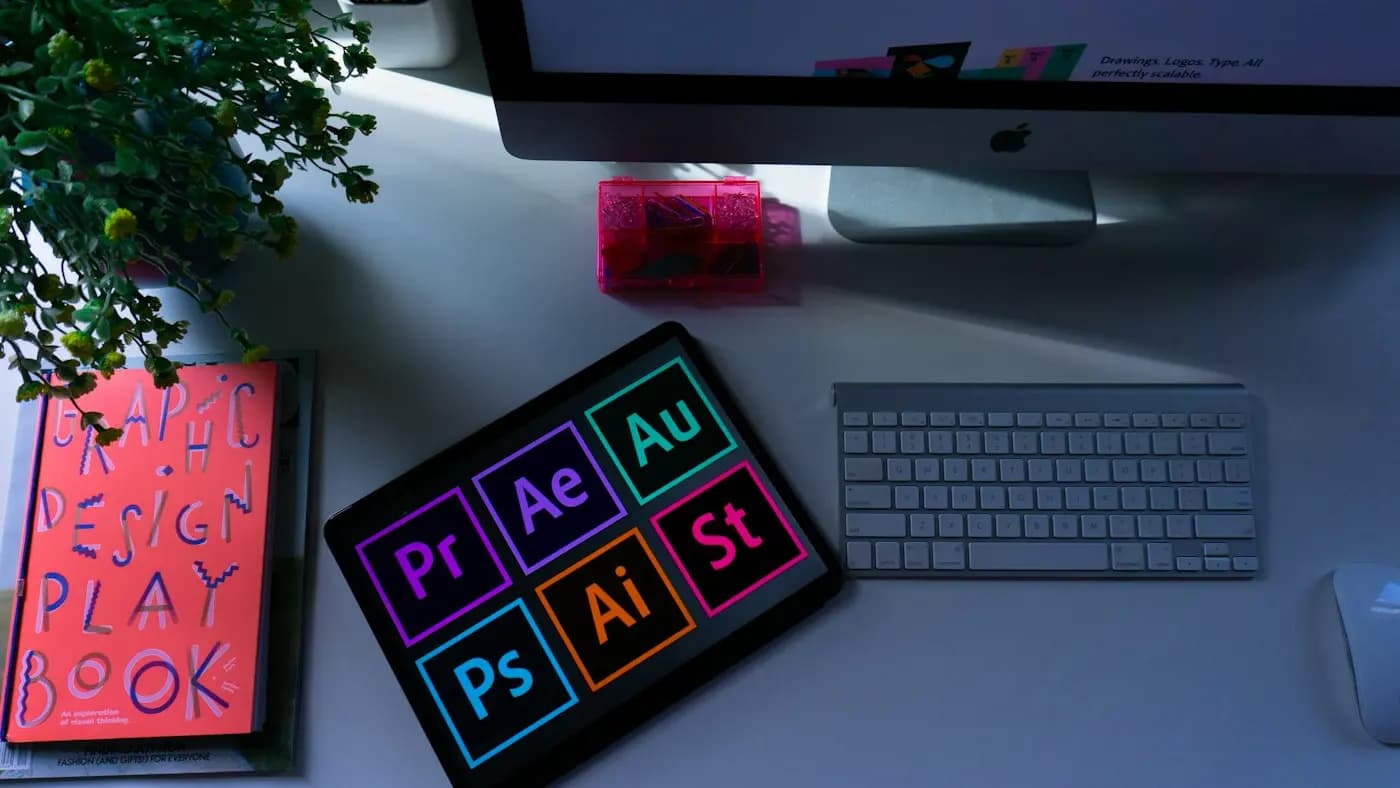
Motion graphics are animated text, shapes and icons. They are everywhere in explainer videos, reels, ads and website banners because movement catches the eye in a crowded feed. You do not need advanced software to start; you need to understand a handful of principles.
What motion graphics are good for
- Explaining an idea or process in a few seconds
- Animating a logo or a call to action
- Highlighting key numbers in a video
- Making static social posts feel alive
The principles that matter most
Easing. Real objects speed up and slow down. Apply "ease in" and "ease out" to movement rather than moving at a constant speed. This single change makes animation feel smooth.
Timing. Fast movement feels energetic, slow movement feels calm or premium. Match speed to your brand's personality.
Hierarchy of movement. Animate the most important element first. If everything moves at once, nothing stands out.
Anticipation and follow-through. A small pull-back before a move, or a gentle settle after it, adds polish.
Restraint. Use two or three types of movement across a piece, not ten.
Tools to begin with
- Canva or CapCut for simple text and element animation on social posts.
- Adobe After Effects for full control, with a steeper learning curve.
- Free options such as DaVinci Resolve (Fusion tab) for those willing to learn.
- Lottie-style animations for lightweight web graphics, usually made by a developer or designer.
A simple workflow
- Write the message in one sentence.
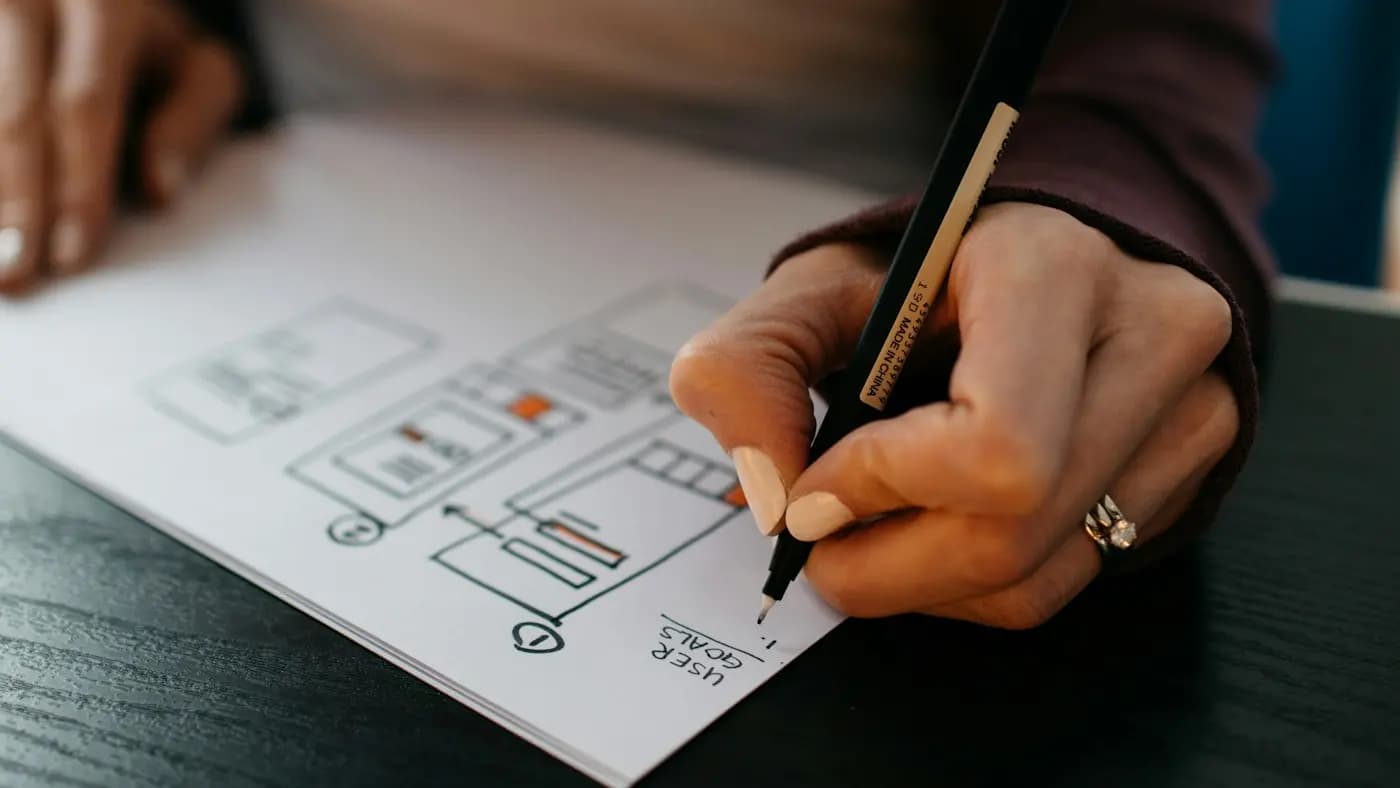
- Sketch four to six rough frames on paper.
- Prepare static assets: logo, icons, brand colours and fonts.
- Animate in order of importance, then add easing.
- Add sound effects or music sparingly.
- Export in the right ratio: 9:16 for reels, 1:1 or 4:5 for feed posts, 16:9 for YouTube.
A hypothetical example
A local coaching institute wants to announce a new batch. Instead of a static poster, the designer animates the batch date sliding in from the left, the course name fading up and a "Register now" button gently pulsing at the end. The whole clip is six seconds long and reuses the same brand colours as the poster.
Keep it accessible
Avoid rapid flashing. Keep text on screen long enough to read, and add captions if there is speech. Our accessible web design basics post covers more.
For layout and spacing choices that support animation, revisit graphic design principles for marketers.
Frequently asked questions
Do I need After Effects to make motion graphics?
No. Canva, CapCut and similar apps handle simple animation well. After Effects is useful when you need precise control.
How long should a motion graphic be?
For social media, aim for five to fifteen seconds. Explainers can run longer if each section earns its place.
What file format should I export?
MP4 for social platforms and ads, and GIF or animated WebP for short loops where video is not supported.
Related articles
Creative Design7 min read
Brand Photography Guide: Plan Shoots That Build Trust
A brand photography guide for small businesses: define your style, plan a shot list, work with a photographer, use light well and manage rights and files.

Creative Design7 min read
Brochure Design Tips: Layout, Copy and Print Choices
Brochure design tips for small businesses: choose a fold, structure content, write clear copy, use images and branding well, prepare for print and track results.

Creative Design7 min read
Canva Brand Kit Setup: Keep Every Design On Brand
A step-by-step Canva brand kit setup: add logos, colours and fonts, build templates, organise folders, set team permissions and keep designs consistent.