
Website Design
Hero Section Design: What to Put at the Top of Your Homepage
By Kavin P · · 2 min read
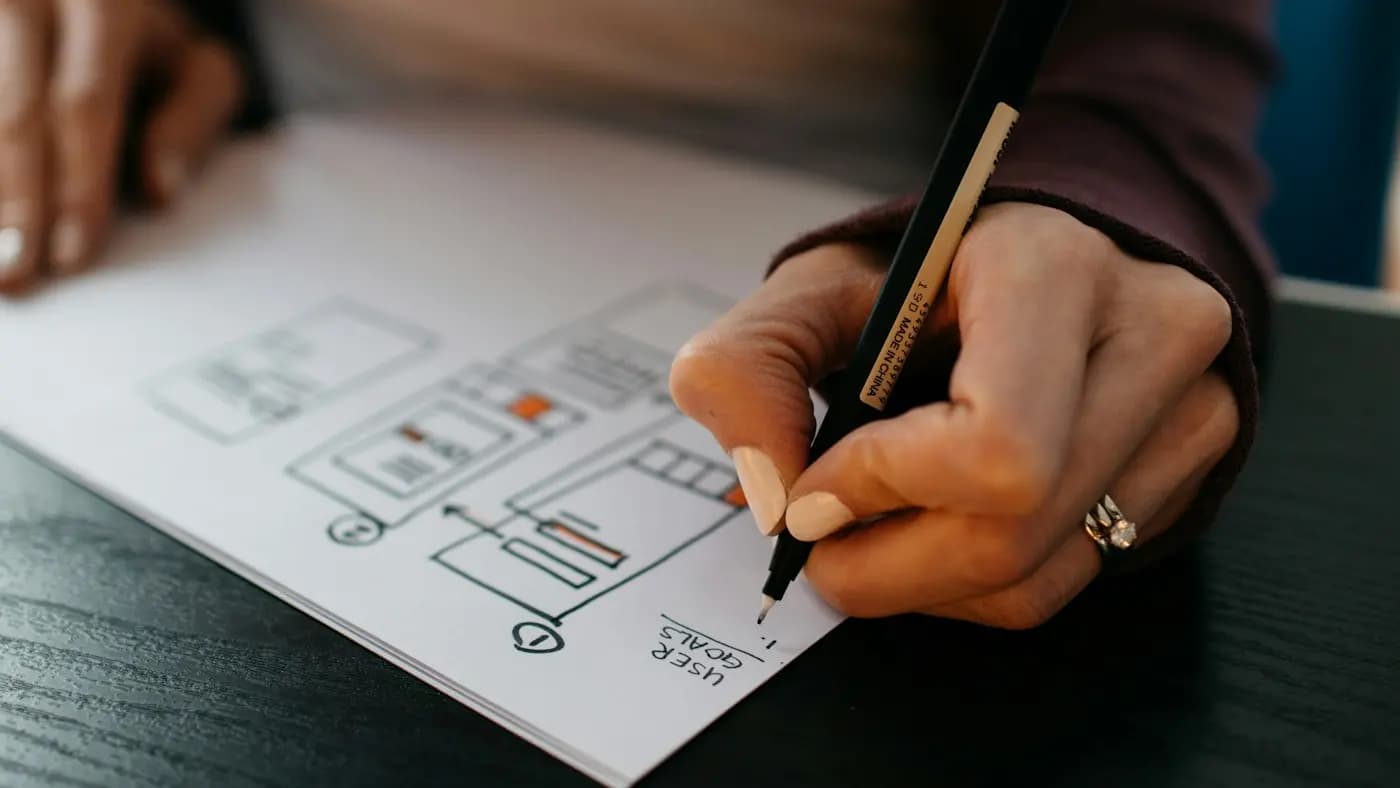
The hero section is the first thing visitors see when a page loads. It has a few seconds to answer three questions: what is this, is it for me, and what should I do next. A strong hero section design makes that obvious.
Core elements of a good hero
- Headline: states the main benefit in plain words.
- Supporting line: adds one sentence of detail or proof.
- Primary call to action: one clear button.
- Visual: a relevant image, product shot or short illustration.
- Trust cue (optional): a rating, client logos or a short testimonial line.
Writing the headline
Avoid vague slogans. Compare "Welcome to our company" with "Fresh organic groceries delivered across Coimbatore in 24 hours". The second tells visitors what you do and for whom. Our landing page copywriting guide has more headline ideas.
Choosing the visual
- Use real photos of your product, team or customers where possible.
- Make sure the image supports the message rather than decorating it.
- Compress it well. A heavy hero image can hurt loading speed and the Largest Contentful Paint score covered in Core Web Vitals explained.
- Do not lazy-load the main hero image, since it appears immediately.
Layout options
- Split layout: text on one side, image on the other. Reliable and easy to read.
- Full-width background image: dramatic, but text needs enough contrast and an overlay.
- Product-focused hero: ideal for ecommerce, with a single hero product and price.
- Video hero: only if it adds value and loads quickly, with a still image fallback.
Mobile considerations
On a phone, the hero must still show the headline and button without too much scrolling. Stack the content, keep text short and make the button easy to tap. See mobile-friendly website design tips.
Common mistakes
- Several competing buttons
- Sliders or carousels that hide important messages
- Text that is hard to read over a photo
- Jargon the audience does not use
- Huge unoptimised images
Hypothetical example
A tuition centre replaces "Excellence in education" with "Maths and science coaching for classes 8 to 10, with weekly progress reports", adds one "Book a free demo class" button and a photo of a real classroom. Visitors immediately understand the offer and the next step.
How to test
Run a five-second test: show the hero to someone and ask what the business does. Then compare variations through landing page A/B testing.
Frequently asked questions
Should the hero have a slider?
Usually not. Static heroes are simpler, faster and keep one clear message.
How tall should a hero be?
Tall enough to show the headline, button and part of what follows, so visitors know to scroll.
Do I need a hero image at all?
No. A strong headline with a clean background can work, especially for text-led services.
Related articles

Website Design7 min read
Choosing a CMS for a Business Website: What to Compare
Choosing a CMS for a business website: compare ease of use, cost, flexibility, SEO, security, support, ecommerce and long-term fit, with a simple decision process.

Website Design7 min read
Ecommerce Website Design Tips for Higher Conversions
Ecommerce website design tips: navigation, category and product pages, search, cart and checkout, trust, mobile layout, speed and accessibility for online stores.
Website Design7 min read
Homepage Design Best Practices That Turn Visitors Into Leads
Homepage design best practices: a clear value statement, navigation, proof, calls to action, speed, mobile layout and accessibility, section by section.