
Email Marketing
Email Preheader Text: How to Write It and Why It Matters
By Kavin P · · 3 min read
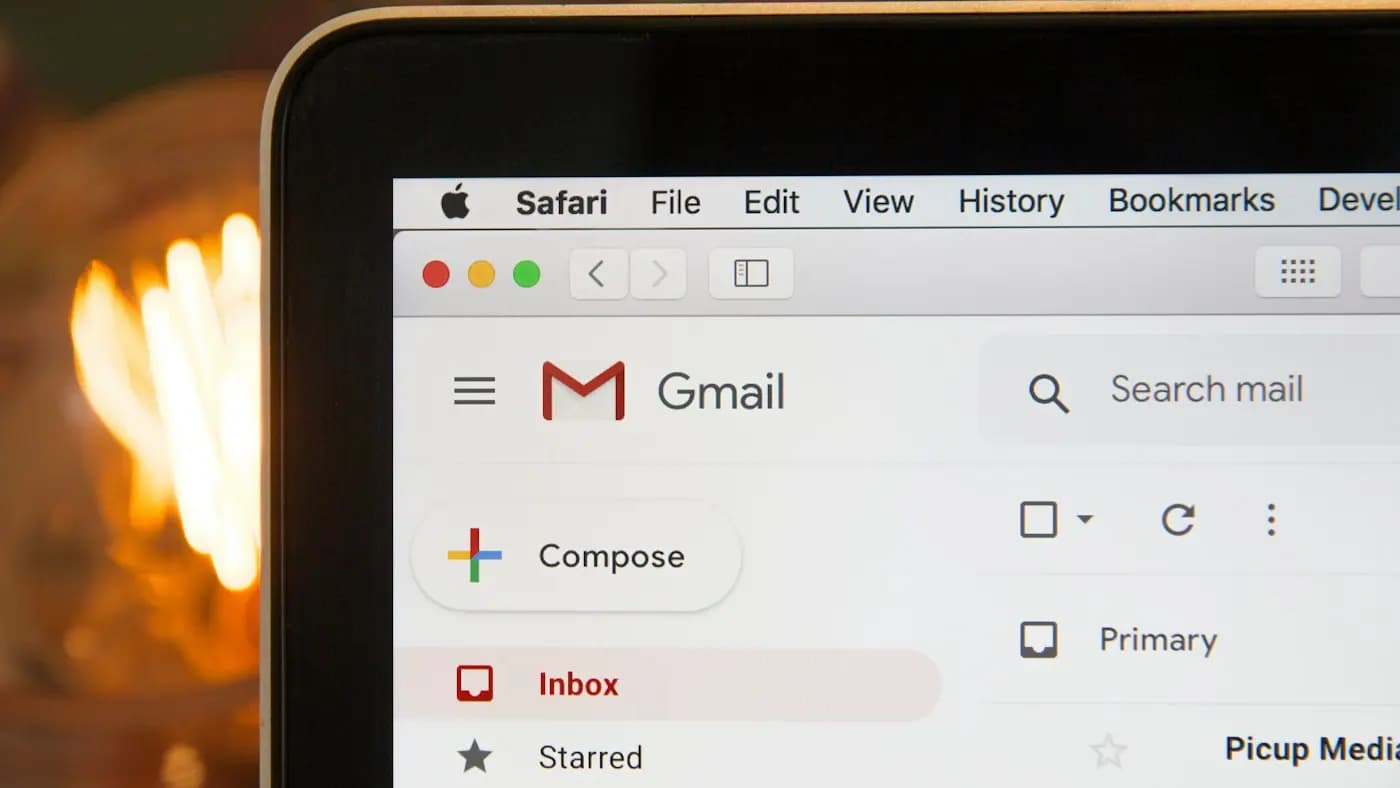
Open any inbox and you will see a sender name, a subject line and a short grey line of text after it. That grey line is the preheader. Most beginners ignore it, and the inbox fills it with something unhelpful like "View this email in your browser". Good email preheader text is free extra space to persuade.
What preheader text is
The preheader is the first snippet of text in your email that inbox apps show next to the subject. You can set it deliberately with a hidden line of text at the top of the email, or your tool may have a dedicated field for it. If you set nothing, the app pulls whatever text comes first.
How long should it be
Different apps cut it at different points, and phones show less than desktops. A safe habit is to put the important words in the first 40 to 50 characters and treat anything after that as a bonus. Always test on your own phone.
Ways to use it well
- Extend the subject line. If the subject teases, the preheader delivers a detail.
- Add a benefit. State what the reader gets by opening.
- Add a deadline or context. "Offer ends Sunday night" works when it is true.
- Ask a follow-up question. Keep it relevant to the subject.
What to avoid
- Repeating the subject word for word
- Leaving the default "view in browser" text
- Misleading hints that the email does not deliver on
- Stuffing it with emojis or capital letters
A simple pairing exercise
Write the subject and preheader together as one sentence split in two. If they read as one thought, they work. Our guide to email subject lines that get opens covers the first half of that pair.
Hypothetical example
A small Chennai bakery sends a festival box email. Subject: "Diwali boxes are open for orders". Preheader: "Choose from three sizes, delivery across the city till 28th". The subject announces, the preheader answers the next question. Compare that with a preheader that just says "Click here to view in browser".
Testing it
Preheader text is a good thing to try in an email A/B test. Change only the preheader, keep the subject identical, and compare open rates over several sends rather than one. Remember that open rates are an imperfect measure, so also look at clicks.
Checklist before sending
- Is the preheader set manually?
- Does it add something the subject does not say?
- Does it look fine in at least two inbox apps?
- Does it match what is inside the email?
Fixing this takes minutes and applies to every campaign you send. It also fits neatly into a broader email design routine.
Frequently asked questions
Is preheader text the same as the subject line?
No. The subject line is the headline of the email. The preheader is the supporting snippet shown beside or below it in the inbox.
Can I hide the preheader?
You can control what it says, but some apps will still show the first text of the body if nothing is set. It is better to write it deliberately.
Do I need a preheader for every email?
Yes, including automated ones. Welcome emails and receipts benefit from a clear line just as much as campaigns do.
Related articles

Email Marketing7 min read
B2B Email Marketing Guide: Reach Business Buyers by Email
A B2B email marketing guide covering list building, content, sequences, personalisation, deliverability, compliance and metrics for long sales cycles.

Email Marketing7 min read
Building an Email List from Scratch: A Consent-First Plan
Building an email list from scratch with permission: lead magnets, signup forms, placement, double opt-in, welcome emails and ways to grow without buying lists.
Email Marketing7 min read
Email Automation Workflows: 7 Flows Every Business Needs
Email automation workflows explained: the core flows to build first, triggers, timing, branching, testing and the metrics that show whether automation is helping.