
Website Design
WordPress Website Checklist Before You Launch
By Kavin P · · 1 min read
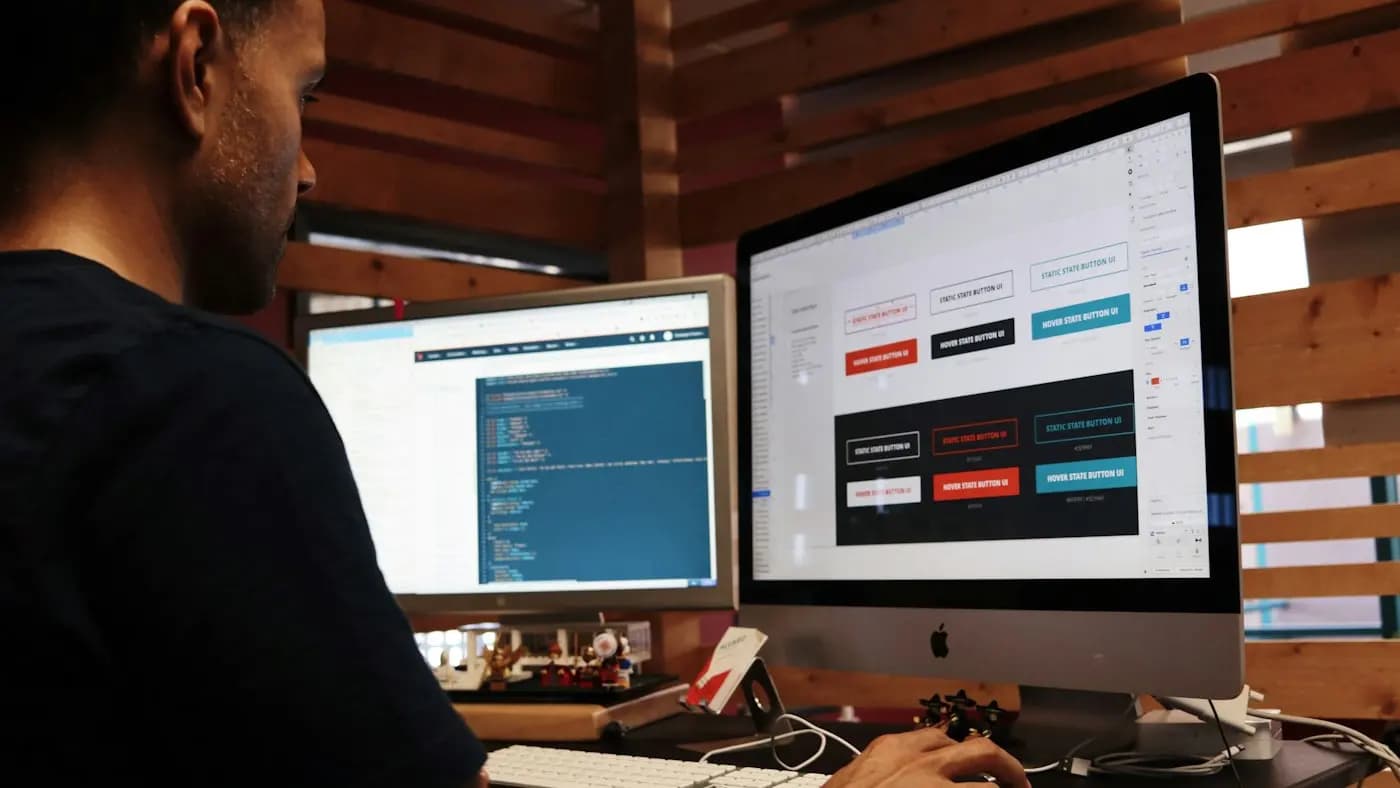
Use this WordPress website checklist to launch safely and avoid common problems.
Setup
- Choose a lightweight, well-supported theme
- Install only plugins you need
- Set permalinks to a readable structure
- Create essential pages: Home, About, Services, Contact, Privacy
Content and design
- Clear headline and call to action on the home page
- Consistent fonts, colours and logo
- Mobile layout checked on a real phone
- Contact form tested end to end
Speed
- Compress and resize images
- Enable caching
- Remove unused plugins and themes
SEO basics
- Unique title and description per page
- XML sitemap submitted to search engines
- Alt text on images
- Search engine visibility switched on
Security and backups
- Strong passwords and two-factor login
- Automatic backups stored off the server
- Core, theme and plugin updates scheduled
- HTTPS enabled
Tracking
- Analytics and Search Console connected
- Form submissions tracked as conversions
After launch
Test every link and monitor errors for the first week. Read website speed optimization tips.
Need a WordPress site built? See my website work.
Frequently asked questions
How many plugins should a WordPress site have?
As few as necessary. Every plugin adds maintenance and potential risk.
How often should I back up my site?
Daily or weekly depending on how often content changes, stored away from the server.
Is WordPress good for SEO?
Yes, when set up with a fast theme, clean structure and good content.
Related articles
Website Design7 min read
404 Page Design: Turn Dead Ends Into Helpful Detours
Good 404 page design keeps lost visitors on your site. Learn what to write, what to include and how to find and fix the broken links that cause the problem.

Website Design7 min read
Cookie Consent Banner Guide: Clear, Fair and Easy to Use
A practical cookie consent banner guide: what to audit, how to word choices, where to place it and how to keep it fair, with a reminder to check local rules.

Website Design8 min read
Core Web Vitals Explained in Plain English for Site Owners
Core Web Vitals explained without jargon: what the three measures mean, how to check them for free, and the simple fixes that make your pages feel faster.