
Creative Design
Video Script and Storyboard Basics for Marketers
By Kavin P · · 2 min read

A video without a plan often turns into rambling footage and a long edit. A short script and a basic storyboard fix this. They help you say the right thing, capture the right shots and keep everyone on the same page.
Start with the foundation
Answer four questions before writing anything:
- Who is the video for?
- What do they need to know or feel?
- What action should they take after watching?
- Where will it be shown? (reel, YouTube, website, ad)
The platform decides length and style. A reel might be short and punchy, while a product explainer on a website can be longer.
A simple script structure
- Hook: a question, result or surprising line that makes people stay.
- Problem: the situation your audience recognises.
- Solution: how your product, service or tip helps.
- Proof: a quick demo, result or example.
- Call to action: one clear next step.
Write for the ear, not the eye. Use short sentences and everyday words, and read the script aloud to catch awkward lines.
A two-column script format
Use a table with "Visual" on the left and "Audio/Voiceover" on the right:
| Visual | Audio |
|---|---|
| Close-up of tangled cables | "Is your office wiring a mess?" |
| Technician fixing racks | "We make it neat in one day." |
| Phone number on screen | "Call us for a free visit." |
This makes it obvious what to film for each line.
What is a storyboard?
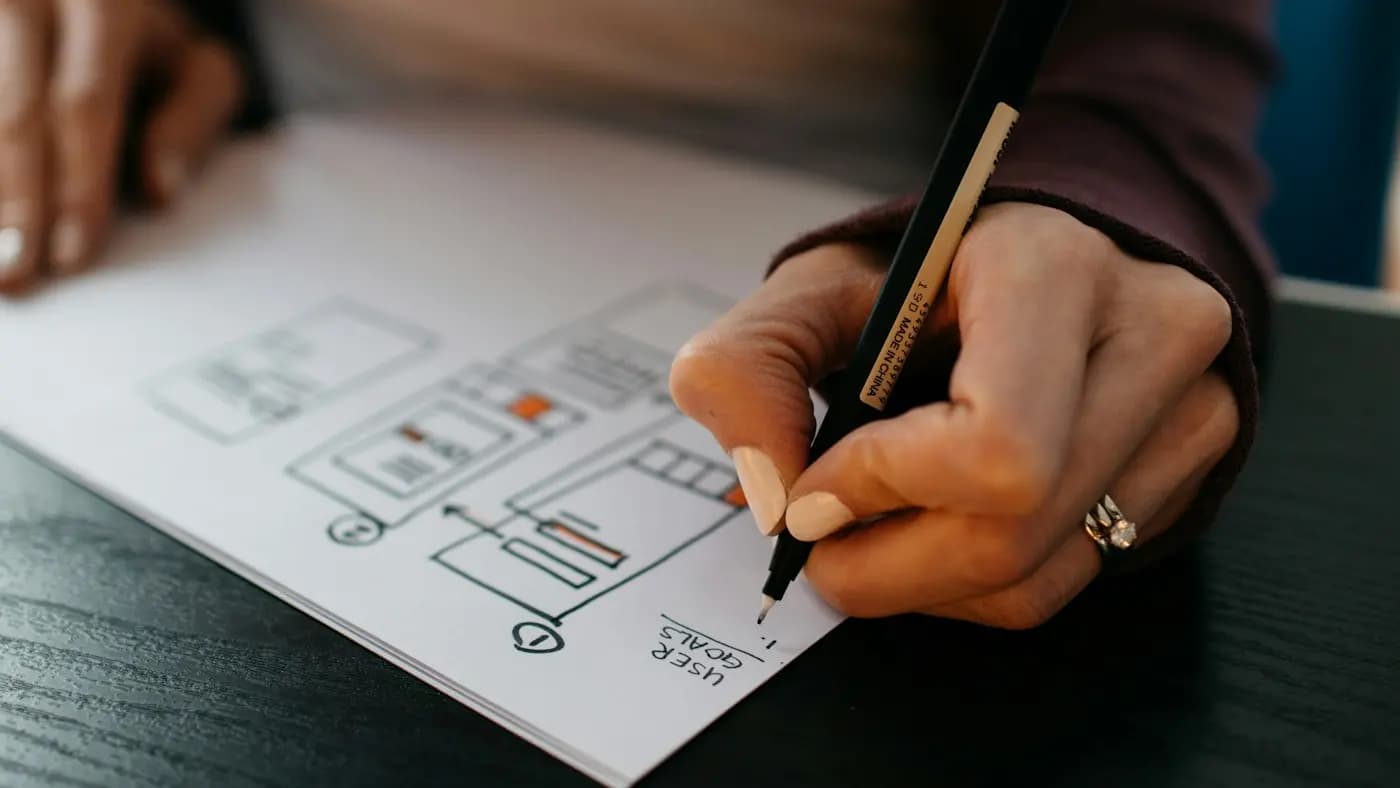
A storyboard is a series of rough sketches, one per shot, showing framing and action. Stick figures are fine. Under each frame, note the camera angle, movement, on-screen text and duration.
Why storyboards save time
- You discover missing shots before the shoot.
- Team members and clients understand the plan.
- Editing becomes assembly, not guesswork.
- You avoid reshoots, which cost time and money.
Shot list and logistics
Convert the storyboard into a shot list grouped by location. Add props, outfits, permissions and timing. Note backup options in case weather or light is a problem.
A hypothetical example
A software training institute plans a 45-second promo. The script opens with "Struggling to get your first IT job?", then shows a student at a laptop, a trainer explaining, and ends with a banner "Free demo class this Saturday". The marketer sketches six frames on paper, shoots them in an hour and passes them to the editor with the script.
Next steps
After the shoot, follow our video editing for beginners workflow. For strategy and measurement ideas, see video marketing for small business, and for story craft, storytelling in marketing.
Frequently asked questions
Do I need a script for every video?
For casual clips, bullet points may be enough. For ads, explainers and anything with several people or locations, a script is worth it.
Can I storyboard without drawing skills?
Yes. Stick figures, photos or screenshots work. Clarity matters more than art.
How long should a marketing video script be?
Match it to the video length. As a rough guide, spoken English runs around two to three words per second, so test by reading aloud with a timer.
Related articles
Creative Design7 min read
Brand Photography Guide: Plan Shoots That Build Trust
A brand photography guide for small businesses: define your style, plan a shot list, work with a photographer, use light well and manage rights and files.

Creative Design7 min read
Brochure Design Tips: Layout, Copy and Print Choices
Brochure design tips for small businesses: choose a fold, structure content, write clear copy, use images and branding well, prepare for print and track results.

Creative Design7 min read
Canva Brand Kit Setup: Keep Every Design On Brand
A step-by-step Canva brand kit setup: add logos, colours and fonts, build templates, organise folders, set team permissions and keep designs consistent.