
Creative Design
Logo Design Process Step by Step
By Kavin P · · 1 min read
A clear logo design process step by step helps clients get a mark that fits the business and works everywhere.
1. Brief
Learn what the business does, who it serves, its values and where the logo will appear. Ask for examples of styles you like and dislike.
2. Research
Look at the industry and competitors. Note colours and styles that are overused so you can stand apart.
3. Sketch
Start on paper. Explore symbols, lettering and combinations quickly before touching software.
4. Build concepts
Create two or three directions digitally. Keep shapes simple, check the logo in black and white and make sure it is readable at small sizes.
5. Present with reasoning
Show each concept in context, such as on a sign, an app icon or a business card, and explain why it fits the brief.
6. Refine
Collect feedback, choose one direction and improve spacing, proportions and colour.
7. Deliver files
Provide vector files, PNG versions, colour and mono variations and a simple usage guide.
What makes a good logo
Simple, memorable, flexible and appropriate for the audience.
See examples in my logo and branding portfolio.
Frequently asked questions
How long does logo design take?
Often one to three weeks depending on research, revisions and feedback.
What files should I receive?
Vector files such as SVG or AI, PNG versions and colour and single-colour variations.
Can I use a template logo?
You can, but custom work is more distinctive and easier to protect.
Related articles
Creative Design7 min read
Brand Photography Guide: Plan Shoots That Build Trust
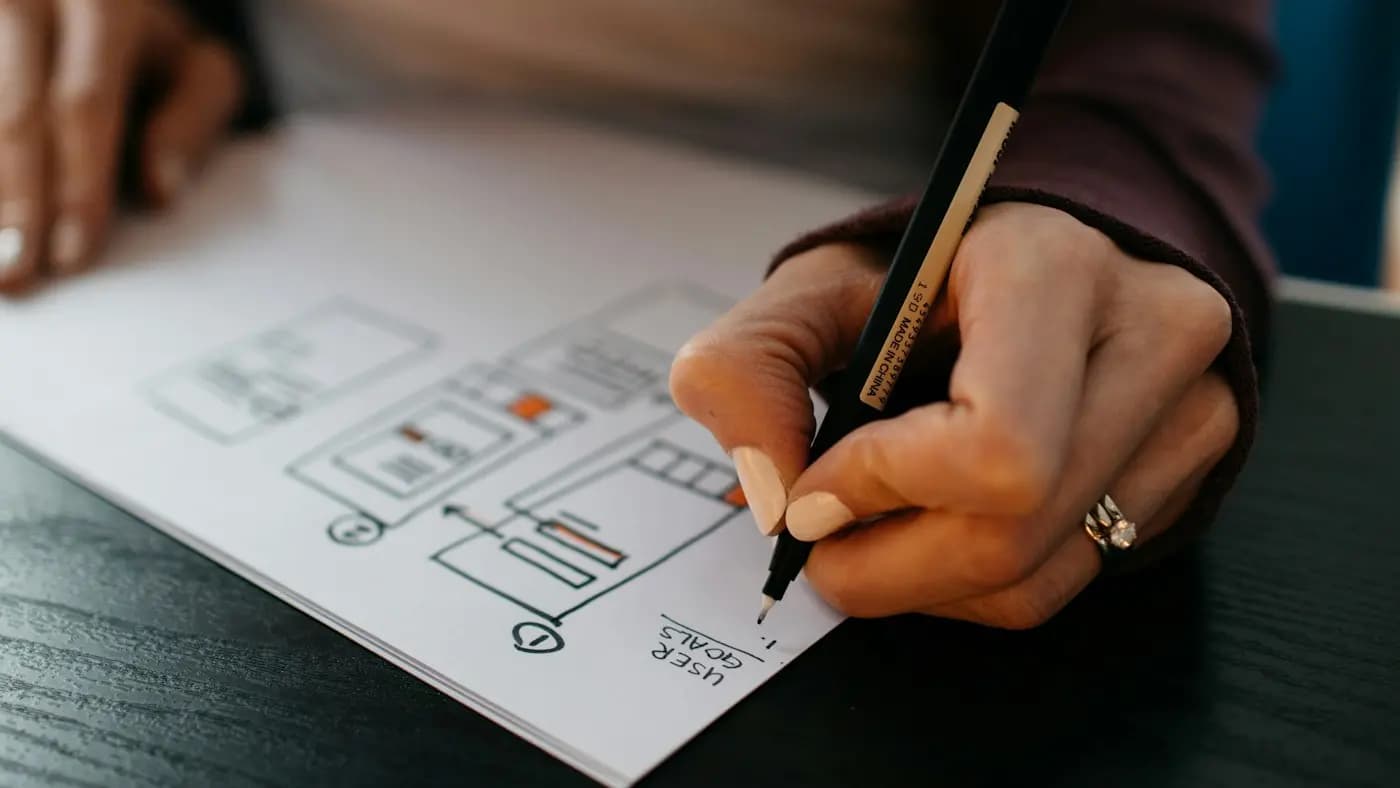
A brand photography guide for small businesses: define your style, plan a shot list, work with a photographer, use light well and manage rights and files.
Creative Design7 min read
Brochure Design Tips: Layout, Copy and Print Choices
Brochure design tips for small businesses: choose a fold, structure content, write clear copy, use images and branding well, prepare for print and track results.

Creative Design7 min read
Canva Brand Kit Setup: Keep Every Design On Brand
A step-by-step Canva brand kit setup: add logos, colours and fonts, build templates, organise folders, set team permissions and keep designs consistent.