
Marketing Analytics
Spotting Anomalies in Marketing Metrics Early
By Kavin P · · 3 min read

The worst time to learn that conversion tracking broke is at the end of the month. An anomaly is a data point that looks unusual compared with the usual pattern. Catching it quickly can save budget and prevent embarrassing reports.
What counts as an anomaly
- A sudden fall in sessions or conversions with no known cause.
- A spike in traffic from one odd source or country.
- Ad spend that jumps far beyond the daily average.
- A conversion rate that becomes suspiciously perfect.
- Metrics that stop updating altogether.
Not every anomaly is bad. A viral post or a festival sale can cause healthy spikes. The goal is to notice and explain them.
Know your normal first
You cannot spot unusual without knowing usual. Learn:
- Weekday and weekend patterns.
- Seasonality, such as Diwali, wedding season or exam months.
- Typical ranges for key metrics rather than a single number.
- Planned changes: launches, price changes, site updates.
Compare against the same weekday in earlier weeks, or the same period last year, instead of just yesterday.
Simple detection methods
Visual checks
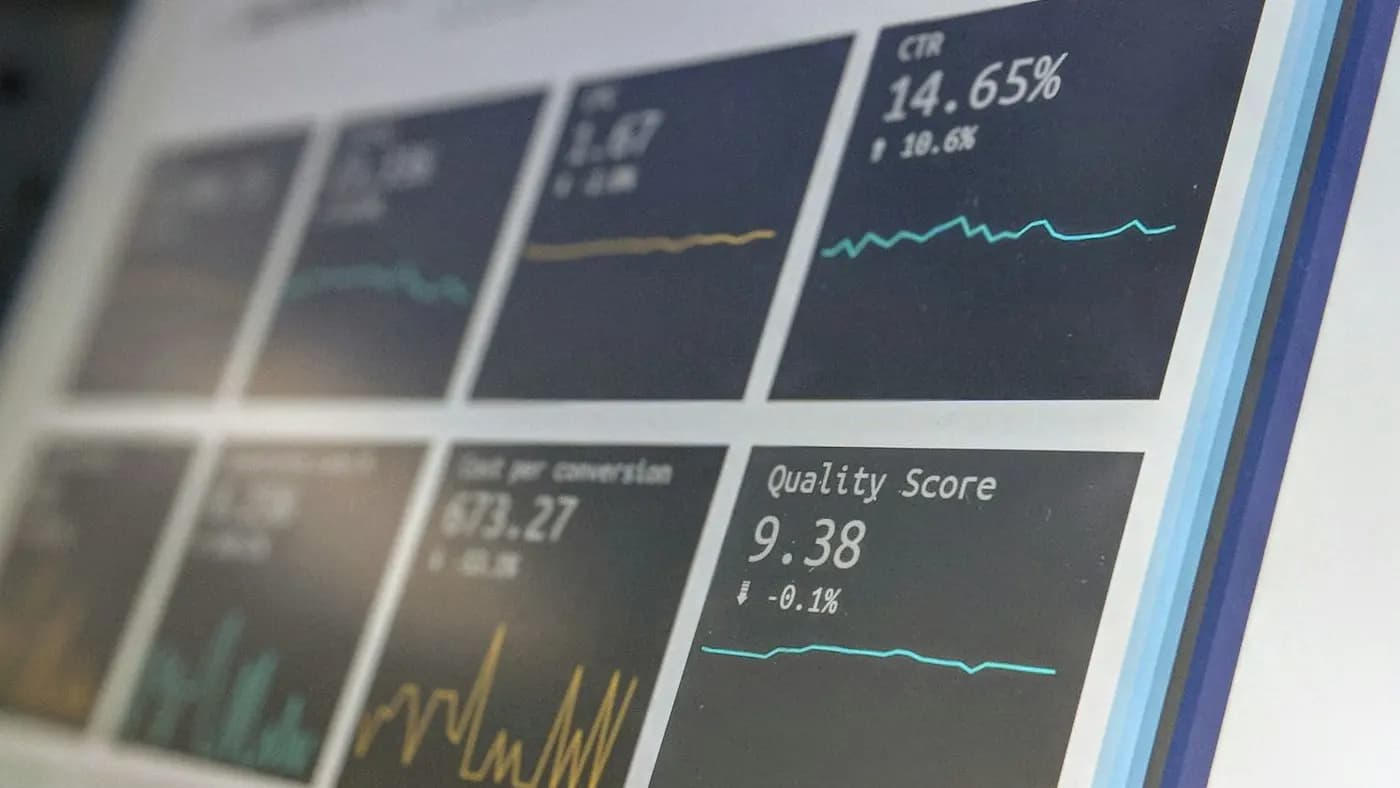
A line chart with a few weeks of daily data reveals most problems at a glance. Add a trend line or a shaded range for the normal band.
Rule-based alerts
Set conditions such as "alert if conversions are zero for a day" or "if spend exceeds twice the daily budget." Ad platforms, analytics tools and Looker Studio-style setups often support alerts or scheduled emails.
Percentage-from-baseline
Compute a rolling average for the past few weeks and flag days that differ by more than a threshold you choose. Start with a wide threshold to avoid alert fatigue, then tighten.
Built-in insights
Some analytics platforms offer automated insights. They can be useful starting points, but verify before acting.
Investigation checklist
When something looks off:
- Confirm it is real: refresh, check another report, check the date range and filters.
- Check tracking: did a tag, form or checkout change recently?
- Segment: is it one device, channel, country or landing page?
- Look for external causes: outage, campaign pause, platform disapproval, holiday, competitor activity.
- Compare with a source that does not depend on the same tracking, such as orders in your CRM.
- Document what you found and what you changed.
A hypothetical example
An online tutor sees leads drop to zero on a Tuesday. Page sessions are normal, but form submissions vanish. The team checks Tag Manager and finds a recent container publish changed the form trigger. They fix the tag, note the gap in their report and add an alert for zero-lead days.
Keep it sustainable
- Alert on the few metrics that matter, not everything.
- Assign an owner for each alert.
- Review thresholds quarterly.
- Keep a log of annotations on dashboards.
Traffic problems have their own playbook in our website traffic drop recovery guide, and tracking issues are covered in the conversion tracking setup guide.
Frequently asked questions
Do I need machine learning for anomaly detection?
No. Simple rules and charts catch most issues. Statistical or ML methods help at larger scale.
How do I avoid false alarms?
Use ranges based on past patterns, account for weekday effects and start with wider thresholds.
Who should receive alerts?
The person able to act, whether that is the campaign manager, developer or analyst, with a backup contact.
Related articles

Marketing Analytics7 min read
Bounce Rate vs Engagement Rate: What Changed in GA4
Bounce rate vs engagement rate explained: how GA4 defines each, why old comparisons mislead, when a high bounce is fine and how to improve engagement meaningfully.

Marketing Analytics7 min read
Customer Acquisition Cost Guide: Calculate and Reduce CAC
A customer acquisition cost guide: formulas, what to include, blended vs paid CAC, payback period, CAC to lifetime value, ways to lower CAC and common errors.
Marketing Analytics7 min read
GA4 Audiences and Remarketing: Build Segments That Convert
GA4 audiences and remarketing explained: how to build audiences, use predictive and event-based segments, link Google Ads, respect consent and measure results.